MTG Card Template Alternatives: Create Custom Proxy & Fantasy Cards
Looking for a Magic the Gathering card template? Learn why free generators fail at printing, understand standard TCG dimensions, and discover premium PSD alternatives.

Whether you are designing a custom Commander, printing personalized proxy cards for your playgroup, or developing an entirely new tabletop game inspired by Magic: The Gathering — finding the right card template is your first major hurdle.
If you search for an MTG card template, you will mostly find browser-based card generators or ripped, low-resolution frame assets. While these tools are great for making quick memes, they fall apart the moment you try to use them for a serious project. Here is why indie developers and tabletop creators use premium alternatives instead, and how you can create print-ready custom cards that feel like the real deal.
The Problem with Free MTG Card Makers
Most free online generators and blank MTG templates share three critical flaws:
Low Resolution. They generate images meant for Discord or Reddit. If you send a 500×700 pixel image to a professional printer, your card will come out blurry, pixelated, and completely unreadable.
No Bleed Area. Professional printing requires a "bleed" — an extra margin of artwork around the edges that gets cut off by the machine. Free generators create exact-size cards. When the cutting machine shifts by even 1 millimeter, your card will have ugly white borders on the edges.
Copyright Issues. Wizards of the Coast owns the specific design of the MTG frame, the mana symbols, and the tap icons. If you are building a commercial game, running a Kickstarter, or selling physical prints, using a 1:1 MTG template is a fast track to a Cease & Desist letter.
You cannot legally use the official Magic: The Gathering frame design for commercial projects. If you are building your own game, use MTG as mechanical inspiration — but build your own visual identity.
The "Standard TCG Size" Rule
To make a card that feels exactly like an MTG card in your hand, you need to follow the industry standard dimensions. Magic: The Gathering, Pokémon, and most major trading card games use the Standard Poker Size: 2.5 × 3.5 inches (63 × 88 mm).
To print this cleanly, your PSD template needs to be built at a minimum of 300 DPI with extra bleed margins. When you use a properly sized template, the final printed card will fit perfectly into standard sleeves (like Dragon Shield or Ultra Pro) and blend seamlessly with your existing MTG decks.
All of our templates are built at 825 × 1125 px at 300 DPI with full bleed and margins — ready to upload directly to MakePlayingCards or any professional card printer.
The Best MTG Template Alternatives
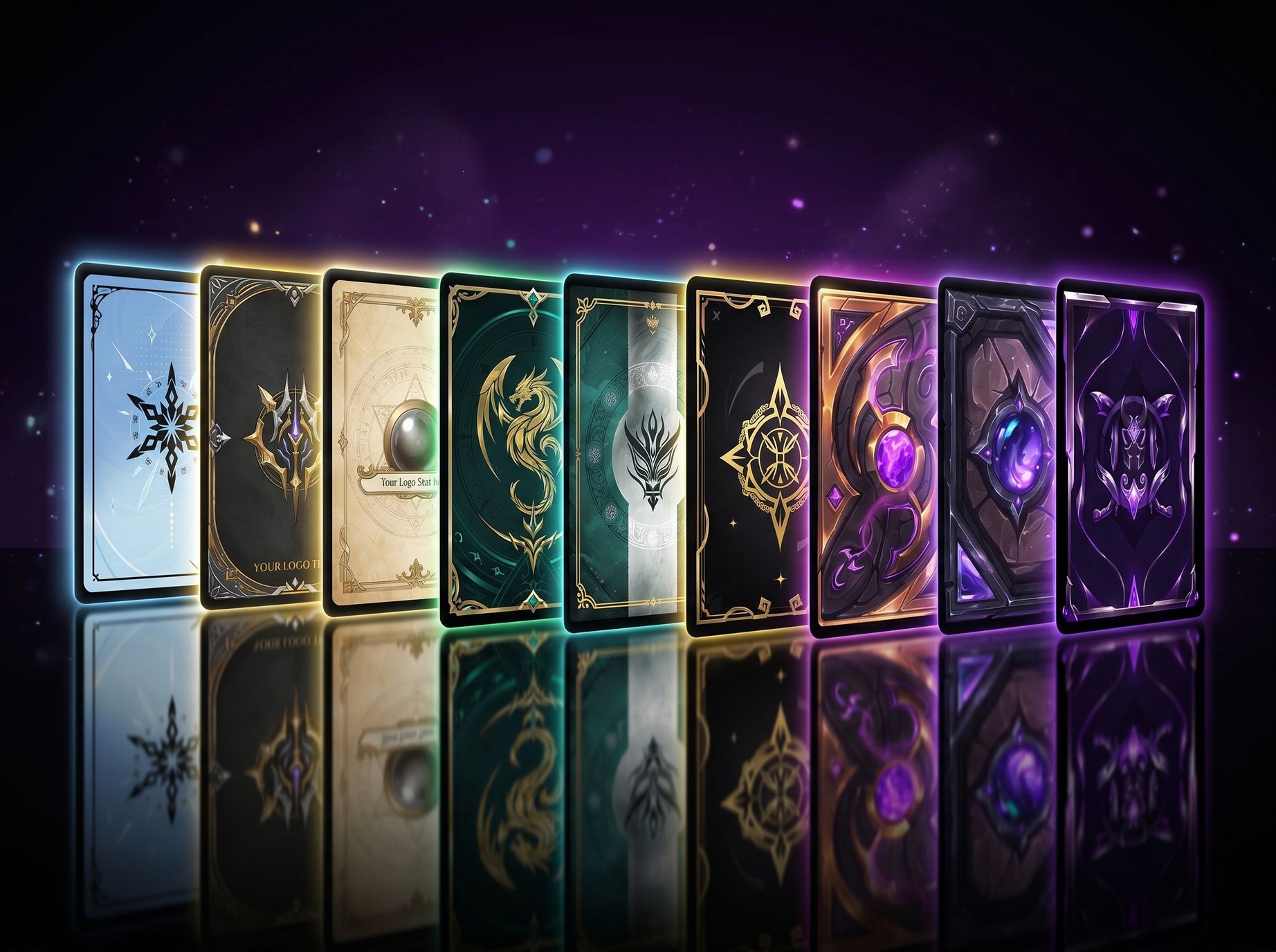
If you want the epic, high-fantasy feel of Magic without the low-res artifacts or copyright issues, you need a modular PSD template. Here are the best premium alternatives based on popular MTG deck archetypes and aesthetic themes:
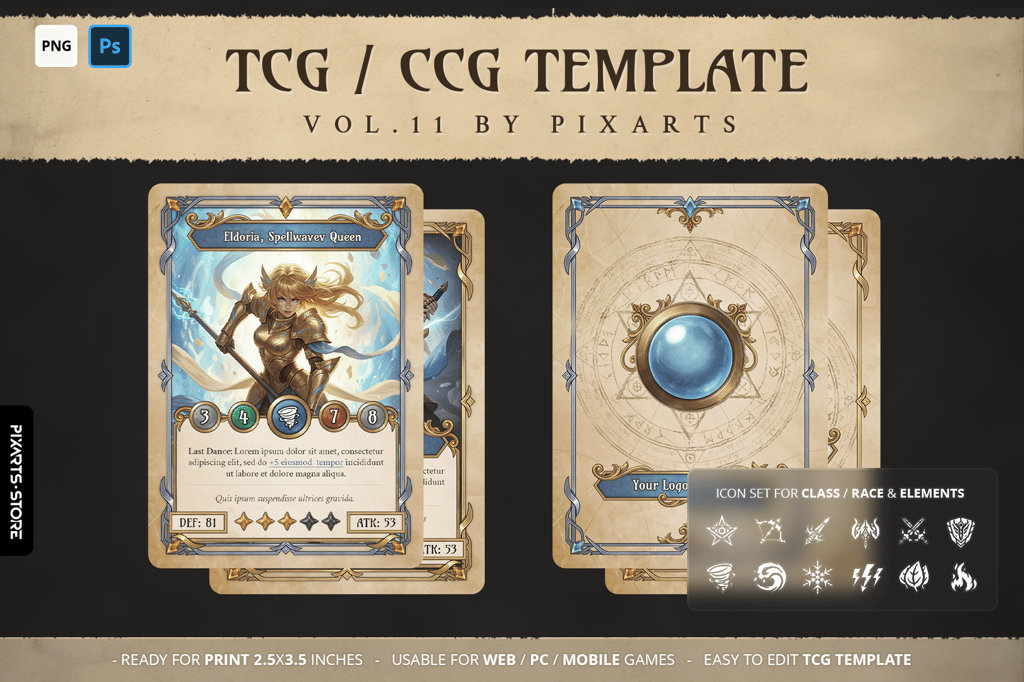
1. The Historic / Artifact Vibe
For Saga cards, ancient artifacts, or spells pulled from an ancient library. Aged parchment textures, elegant silver frames, and a magic circle card back — perfect for white or blue control builds.
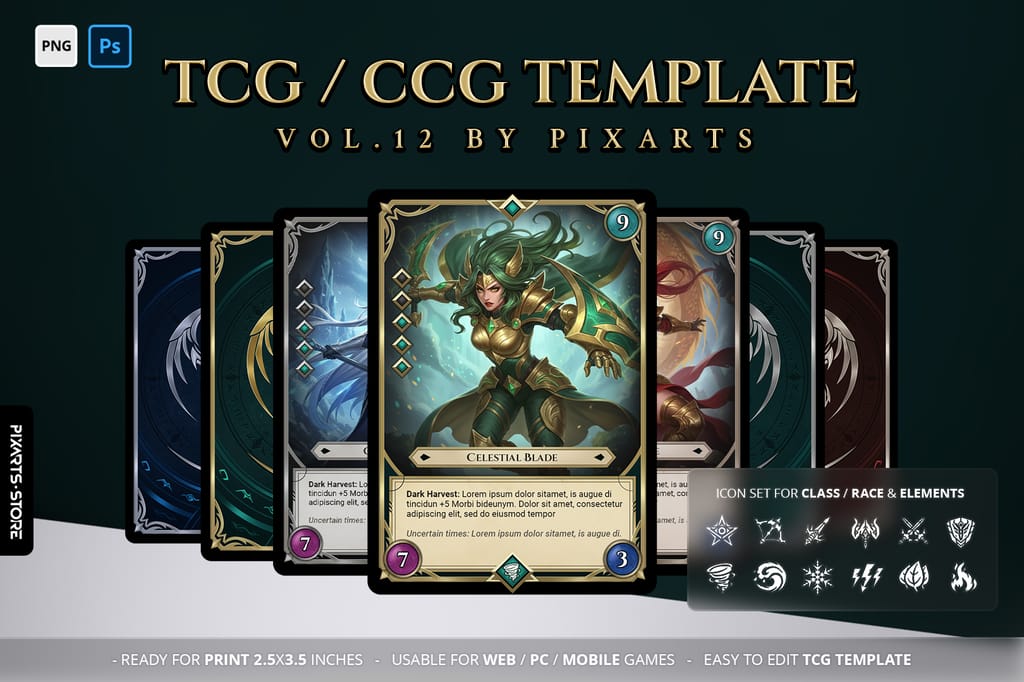
2. The Boros / Dragon Vibe
For massive legendary creatures, knights, and dragons. Heavy golden armor borders and a regal dragon crest — perfect for powerful Commander proxies or high-cost white/red spells.
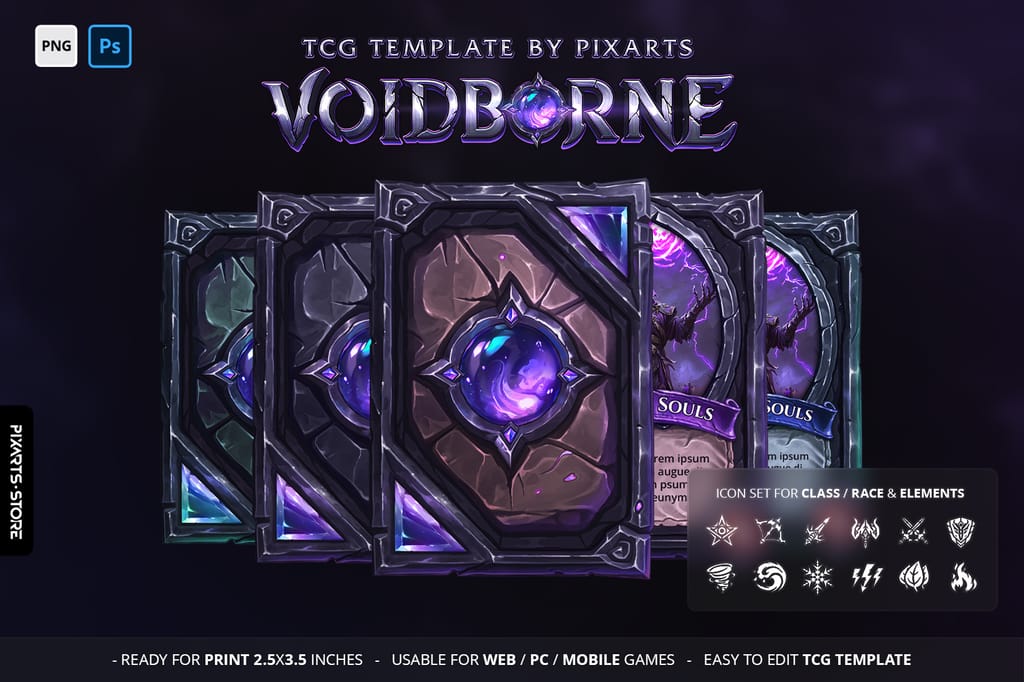
3. The Golgari / Dimir Vibe
Building around necromancy, vampires, or dark magic? These dark stone and gothic iron templates capture the aesthetic of graveyard interactions and shadow mechanics perfectly.

How to Edit and Print Your Custom Cards
Using a premium PSD template completely changes your workflow. Instead of fighting with low-res browser tools, the process looks like this:
- Open the PSD: Every element (frame, text, background, stat gems) is on a separate layer.
- Drop Your Art: Double-click the Smart Object layer, paste your character artwork, and save. It automatically masks perfectly behind the frame.
- Edit Text: Type your card name, stats, and rules text using clean, print-ready fonts.
- Export and Print: Save as a high-quality PNG — bleed margins are already included.
From there, upload directly to print-on-demand services like MakePlayingCards, or import the separated PNG layers into Tabletop Simulator or Unity to play digitally.
All premium templates include modular transparent PNG assets. If you decide to turn your custom cards into a digital video game later, you do not need to re-slice anything — just drop the UI pieces straight into Godot or Unity.
Start Building Your Deck
Stop wrestling with low-quality online generators. If you are putting hours into designing a custom card, give it the high-quality frame it deserves.

Dedicated to empowering game developers with premium digital assets. We specialize in crafting immersive UI designs, distinct logos, and web solutions that take your game project to the next level.