How to Choose RPG Icons for Your Game: Styles, Sizes and RPG Maker IconSet
A planning guide for RPG icons: how many your game needs, silhouette vs painted styles, tinting in Unity, Godot and Unreal, icon sizes, and how to build an RPG Maker IconSet.png.
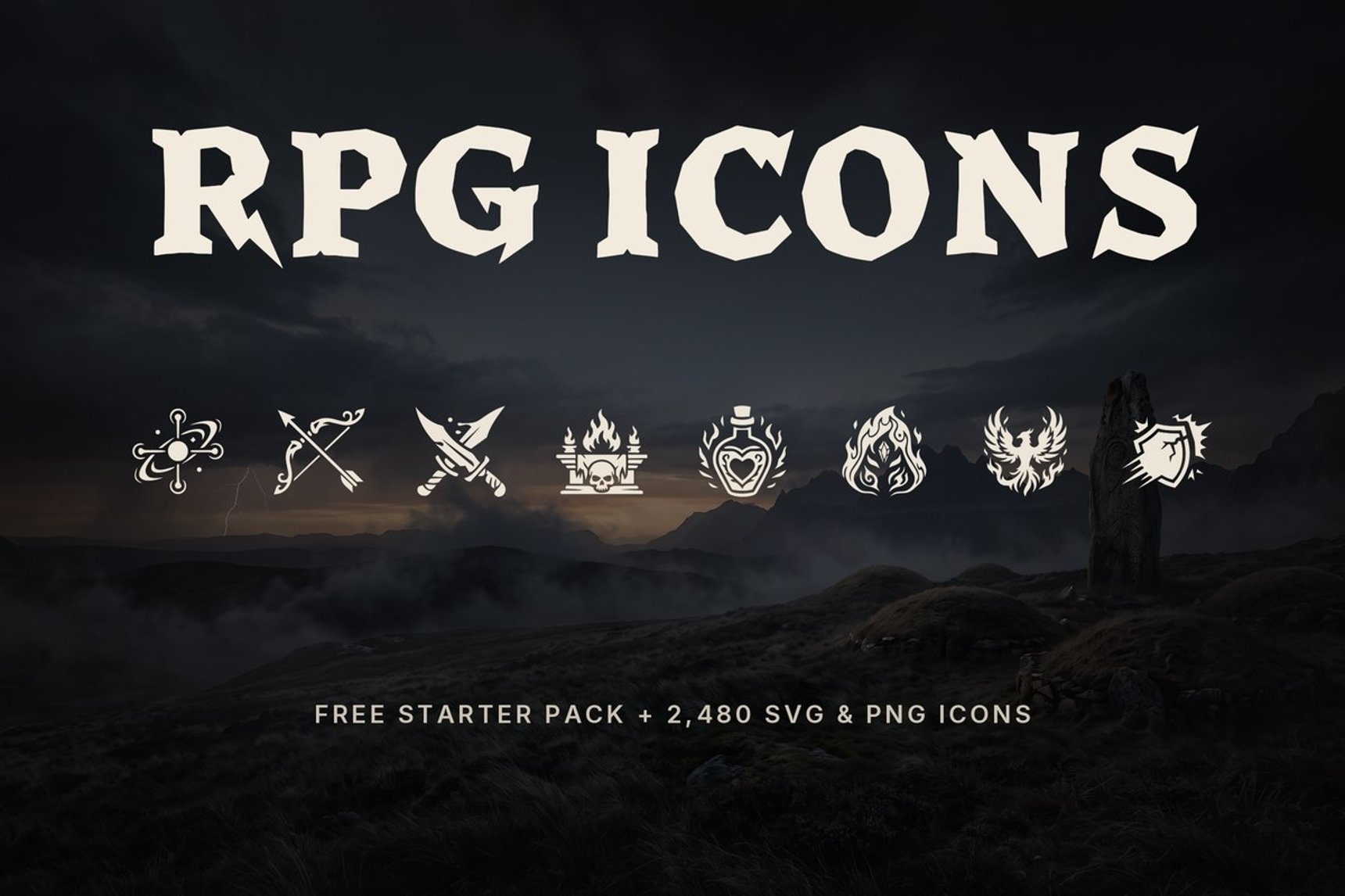
An RPG needs more icons than most developers expect. Skills, items, loot, status effects and menu buttons add up to several hundred icons even in a small game, and they all have to look like they come from the same artist. This guide covers what to plan for, which style to pick, which sizes your engine wants, and where to get a free starter set to test before you commit.
How Many Icons Does an RPG Need?
A rough count for a small to mid-sized RPG:
| Group | What it covers | Typical count |
|---|---|---|
| Skills and spells | Class abilities, magic schools, passive talents | 60–200 |
| Weapons and armor | Swords, bows, staffs, shields, helmets, boots | 80–300 |
| Consumables | Potions, food, scrolls, bombs | 30–100 |
| Loot and materials | Ores, gems, herbs, monster parts, currency | 50–200 |
| Status effects | Buffs, debuffs, damage over time, auras | 20–60 |
| UI and menus | Inventory, map, quests, settings, trade | 20–50 |
Plan the whole list before you buy or draw anything. Mixing three icon packs from three artists is the most common reason an indie RPG UI looks cheap.
Silhouette vs Painted Icons: Which Style to Pick
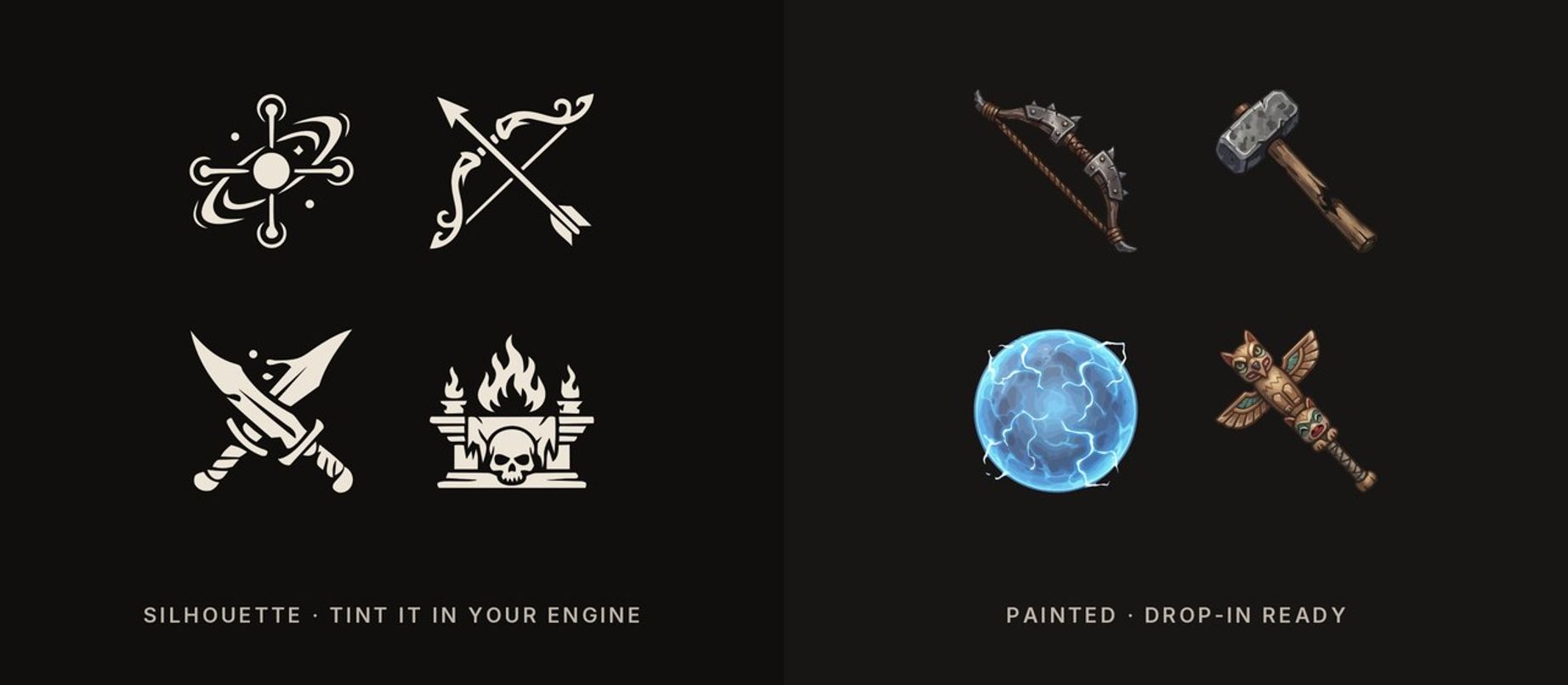
Silhouette icons are single-colour shapes, usually shipped in white. You colour them in the engine, so one icon can be a fire skill in red and an ice skill in blue. They stay readable at small sizes and work for skills, status effects and menus.
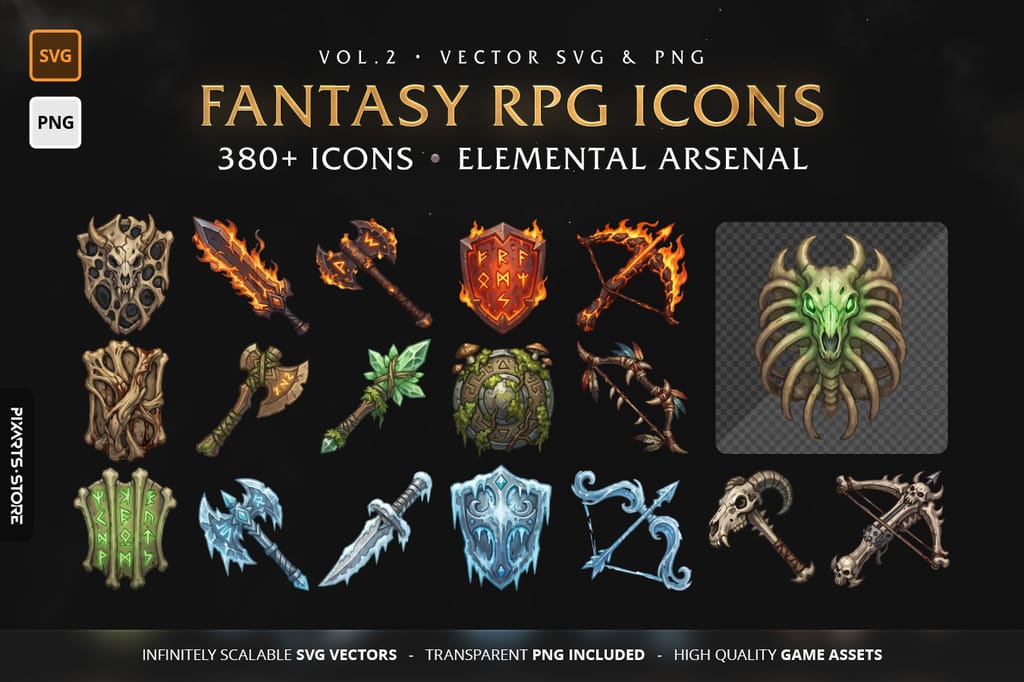
Painted icons are full-colour illustrations. They look better in an inventory grid or a loot window, where players look at an item for a while, but you cannot recolour them without editing the art.
Many RPGs use both: silhouettes for skills and the HUD, painted icons for items.
One white icon, any colour
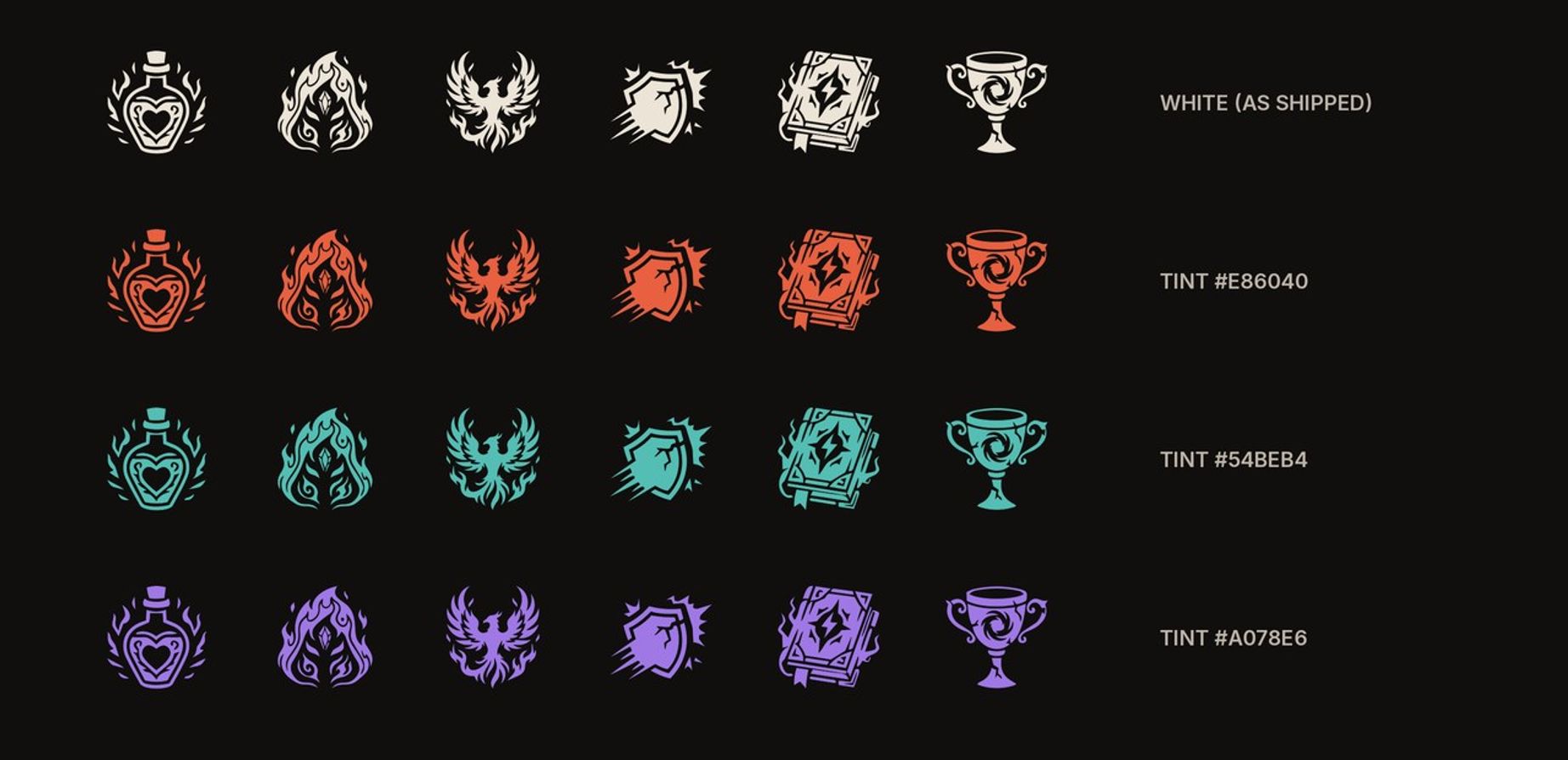
White icons multiply cleanly with any colour, so tinting needs no shader work:
- Unity (UI): import the PNG as Sprite (2D and UI), then set the colour on the
Imagecomponent. - Godot: set
modulate(orself_modulate) on theTextureRectorSprite2D. - Unreal (UMG): set Tint on the Image brush.
Icon Sizes for Unity, Godot and RPG Maker
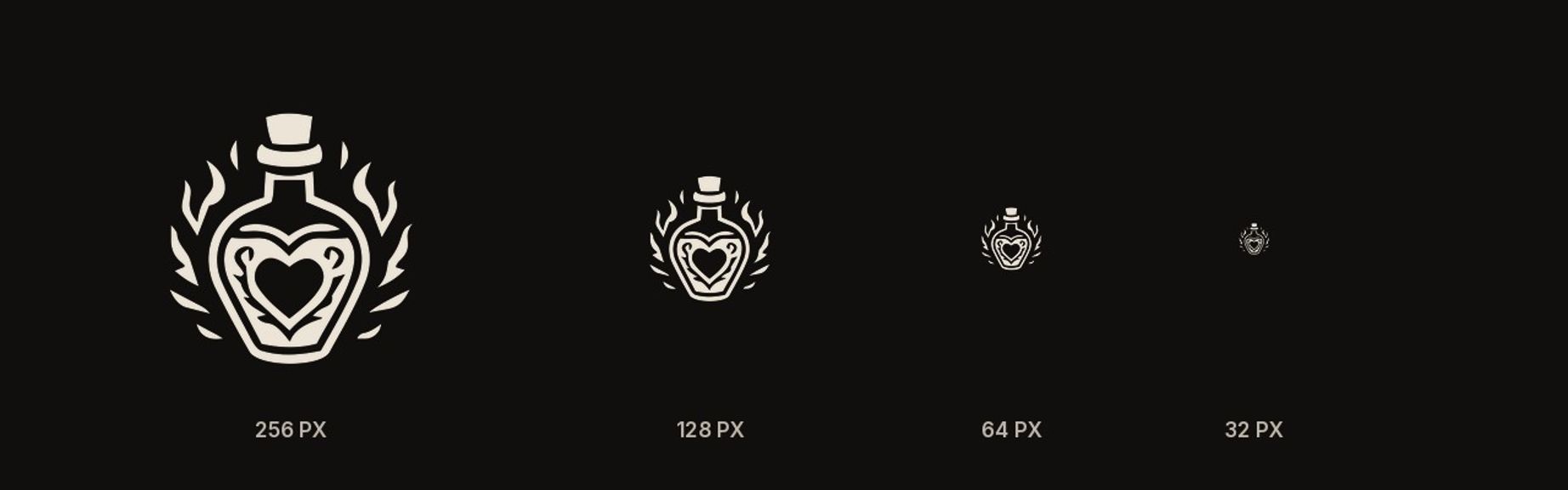
- Unity and Godot: there is no fixed size. Export at about 2× the size the icon will appear on screen (an inventory slot shown at 64 px → 128 px PNG), or use SVG and rasterise at build time.
- RPG Maker MV and MZ: icons live in one sheet,
img/system/IconSet.png, as a grid of 32×32 cells, 16 icons per row. VX Ace uses 24×24. - Mobile: test on a real phone. A slot that looks fine on a monitor can be 40 px wide on a small screen.
Be honest with yourself about 32 px. Detailed icons lose their inner lines at that size, as the image above shows. For RPG Maker or a 32 px HUD, pick the simplest shapes from a pack, thicken them, or use pixel art drawn for that grid.
Building an RPG Maker IconSet from PNG icons
- Resize the icons you need to 32×32 (24×24 for VX Ace), with a little padding so they do not touch the cell edge.
- Place them on a transparent canvas 512 px wide (16 × 32), left to right, top to bottom.
- Save as
IconSet.pnginimg/system/. Back up the original sheet first: existing icon indexes in your database will now point to your new icons.
Test the Style: Free RPG Icons
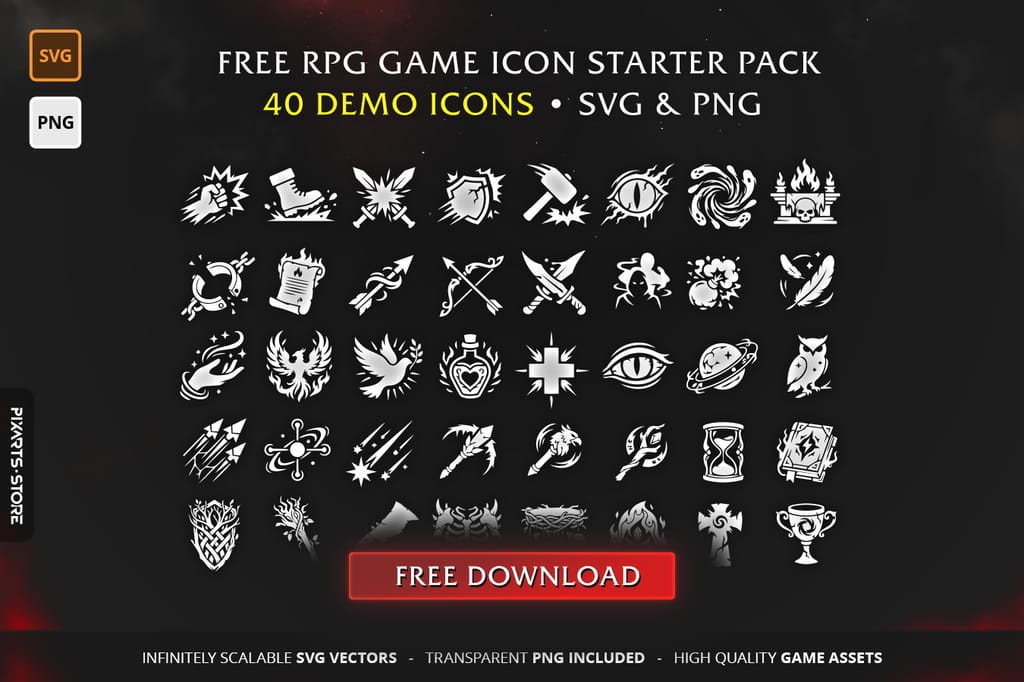
Before buying a big set, test the style in your own UI. Our free starter pack has 40+ icons from the full RPG series in SVG and PNG (white and black, 64 to 512 px), with a commercial license.
The Full Set: RPG Game Icon Mega Bundle
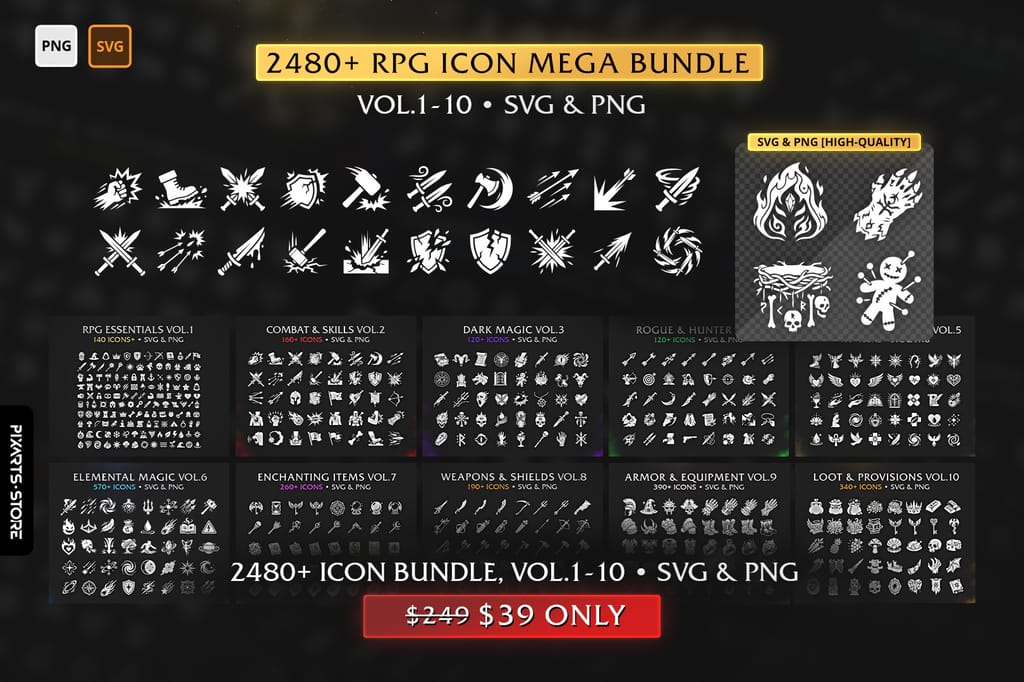
If the style fits, the RPG Game Icon Mega Bundle covers the whole list from the table above in 10 volumes: essentials, combat and skills, dark magic, rogue and hunter, holy and restoration, elemental magic, enchanting items, weapons and shields, armor and equipment, loot and provisions. Every icon comes as SVG and PNG, so you can scale and recolour without losing quality.
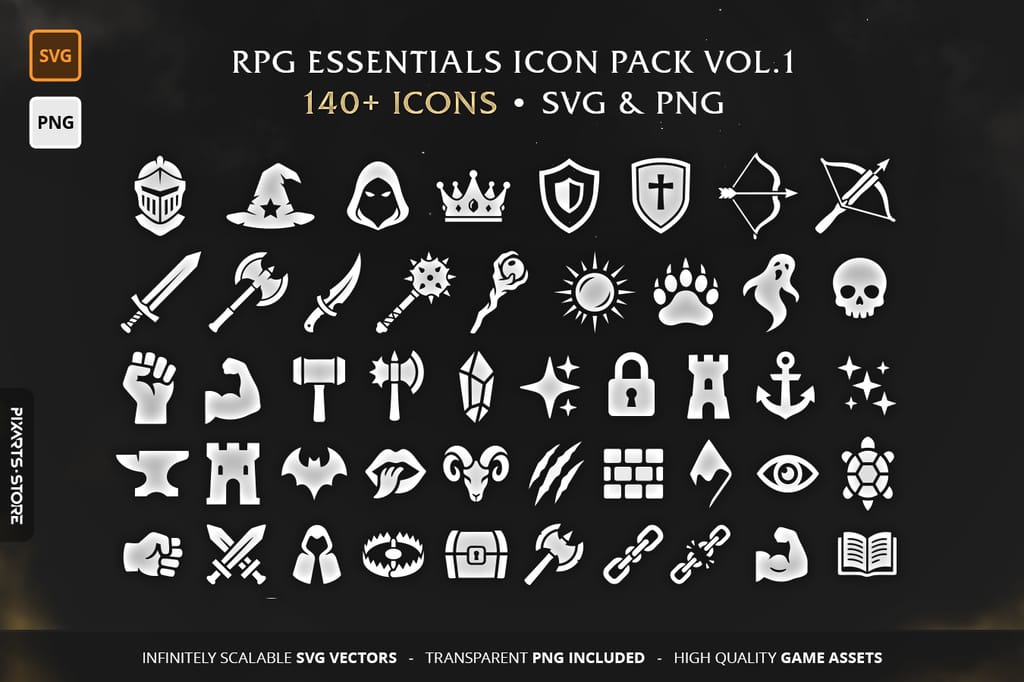
Need only one group? Each volume is also sold on its own, for example the essentials set with UI and inventory basics:
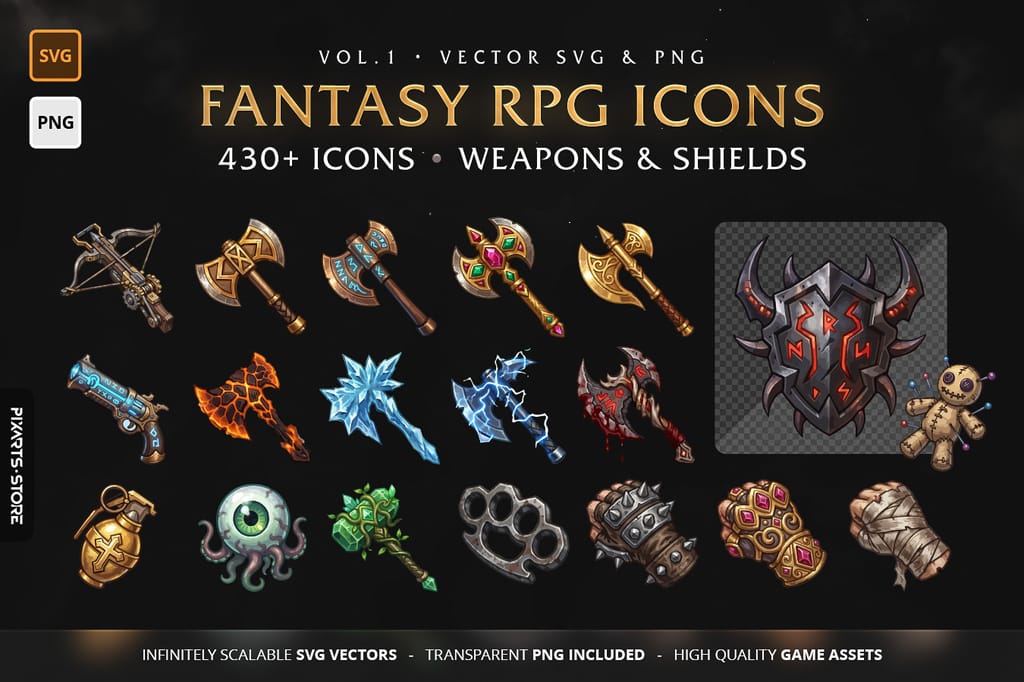
Painted fantasy RPG icons
For inventory and loot screens in full colour:
Survival or sci-fi RPG?
The same silhouette style exists for other settings, so you can mix sets without breaking the look:
FAQ
Where can I get free RPG icons?
Our free RPG icon starter pack has 40+ SVG and PNG icons with a commercial license. Always check the license of any free pack: many allow personal use only.
What size should RPG icons be?
RPG Maker MV and MZ use 32×32 icons in one IconSet.png sheet (VX Ace: 24×24). In Unity and Godot export at about twice the on-screen size, or use SVG.
Can I recolour RPG icons?
Silhouette icons, yes: ship them white and tint them in the engine (Unity Image colour, Godot modulate). Painted icons need editing in an image editor.
More for Game Developers

Dedicated to empowering game developers with premium digital assets. We specialize in crafting immersive UI designs, distinct logos, and web solutions that take your game project to the next level.