Free Pixel Fonts for Games: 2 Original + 5 for Commercial Use
Free pixel fonts for retro games, with samples: two original RuneType pixel fonts (RPG dialogue and arcade) and five Google Fonts you can use commercially. Plus how to keep pixel text sharp in Unity, Godot and GameMaker.
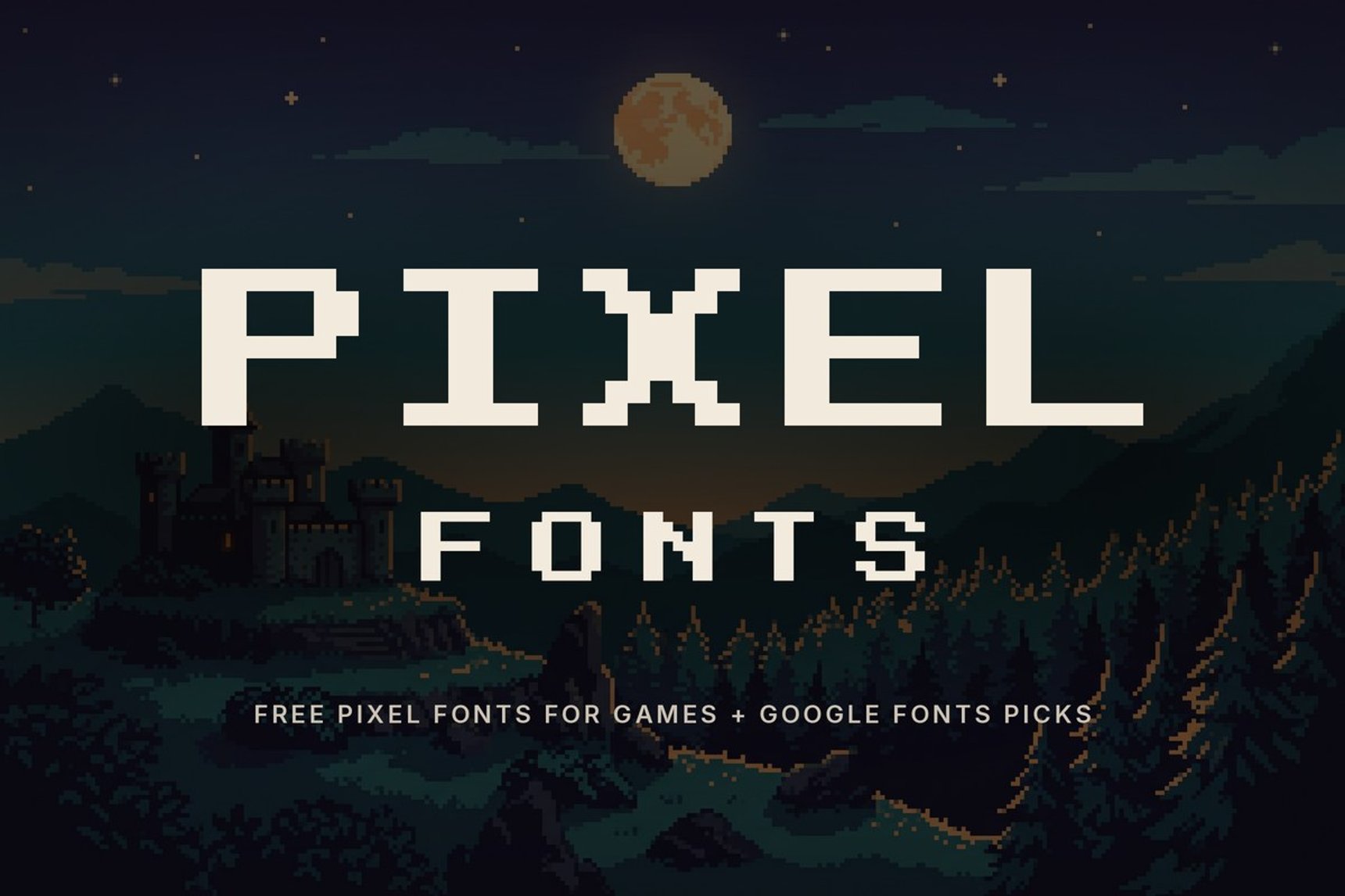
A pixel font only looks right if every pixel lands on the grid. Most "free pixel font" lists skip that part, so the font you download ends up blurry in your engine. This list has two original pixel fonts we made for games, five pixel fonts from Google Fonts that you can use commercially, and the settings that keep them crisp.
Quick Pick: Which Pixel Font for What?
| You need | Pick | Why |
|---|---|---|
| RPG dialogue, quest log, menus | Questbit | Full lowercase, readable in long lines |
| Arcade title, score, GAME OVER | Bitrune | Chunky capitals, heavy strokes |
| Classic 80s arcade look, commercial | Press Start 2P | The best-known arcade-style pixel font |
| Small UI labels | Silkscreen | Tiny and clean, made for small sizes |
| Terminal, sci-fi console | VT323 | Based on an old computer terminal font |
| Modern pixel game with lots of text | Pixelify Sans | Several weights, comfortable to read |
| Japanese text | DotGothic16 | Pixel style with Japanese characters |
2 Original Pixel Fonts (Free for Personal Use)
Both fonts are our own RuneType designs, built on a real pixel grid (not traced from a game). They include uppercase, numbers and punctuation, and are free for personal use: game jams, prototypes, mods, fan games and school projects. For a commercial release, write to us for a license.
1. Questbit: pixel RPG font
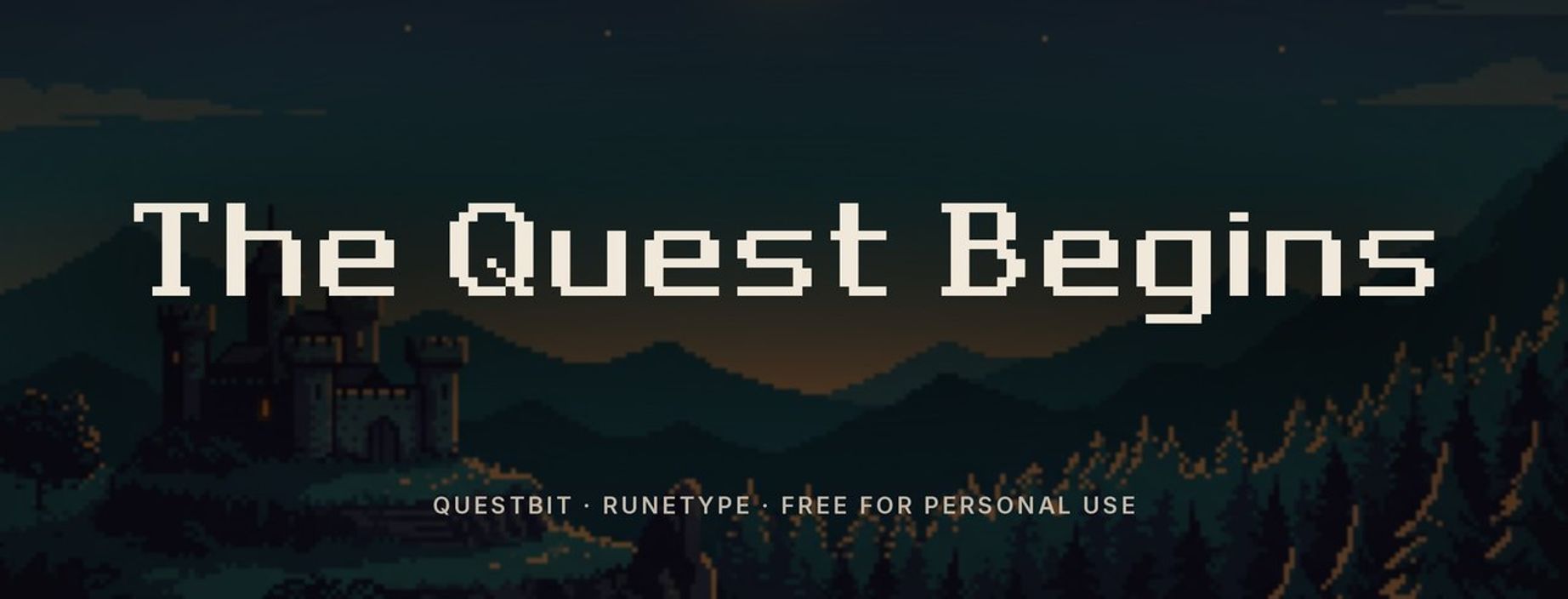
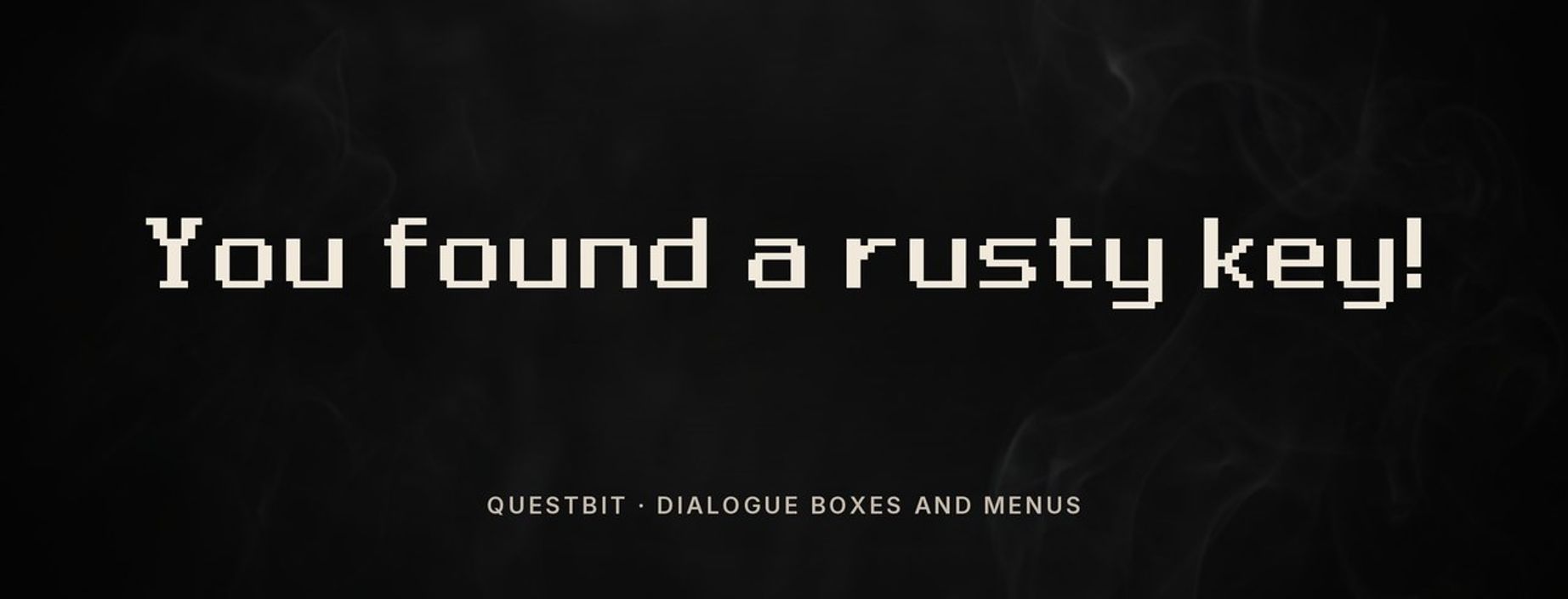
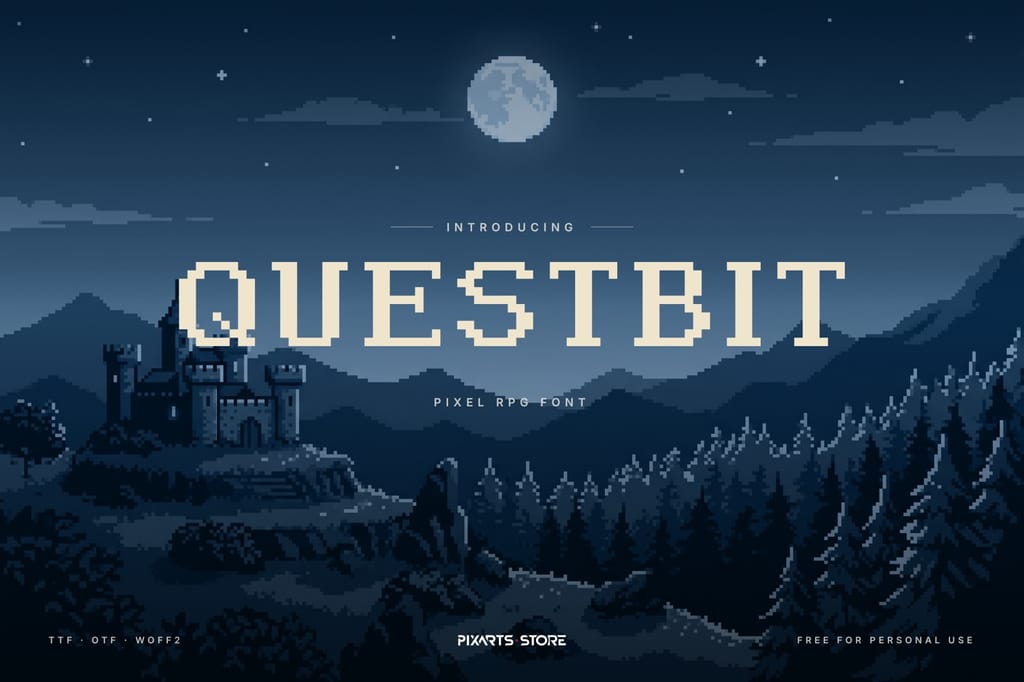
Questbit has 10-pixel capitals with small serifs and a full lowercase, so it works for what RPGs need most: dialogue boxes, item descriptions and quest logs. It also fits medieval and fantasy pixel games, where a plain sans pixel font looks too modern.
2. Bitrune: pixel arcade font
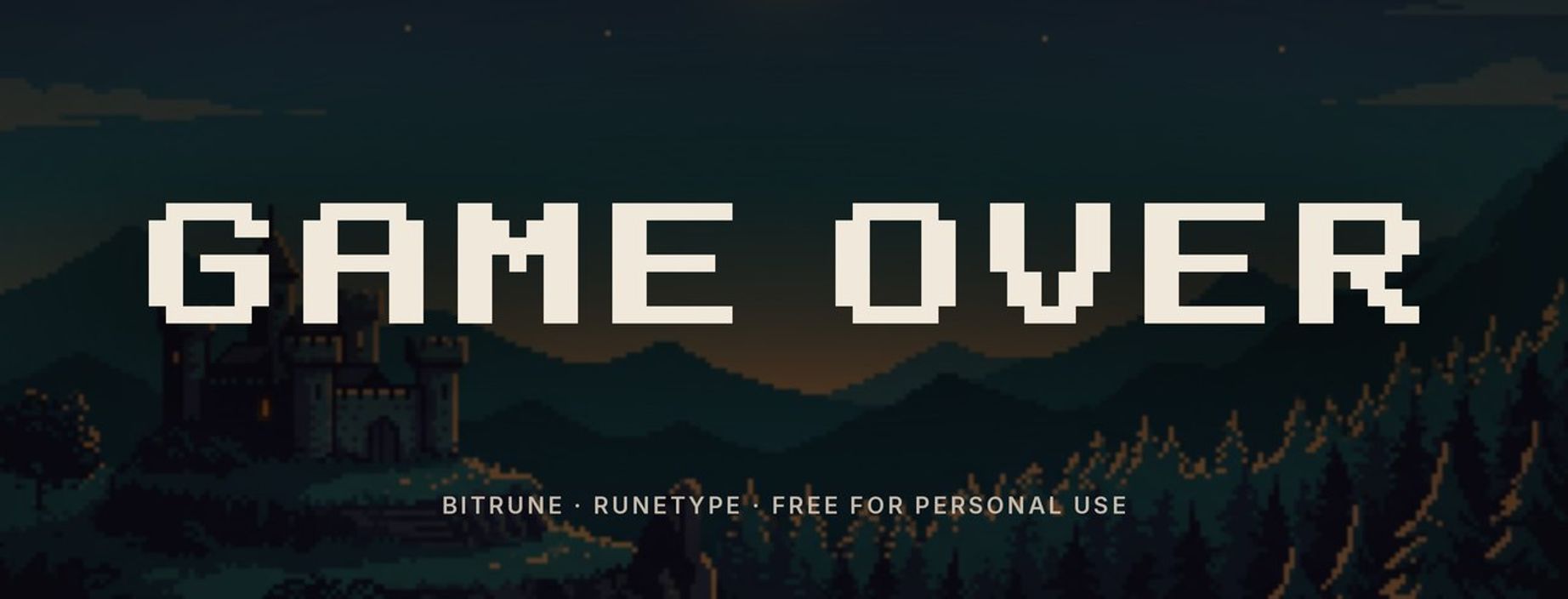
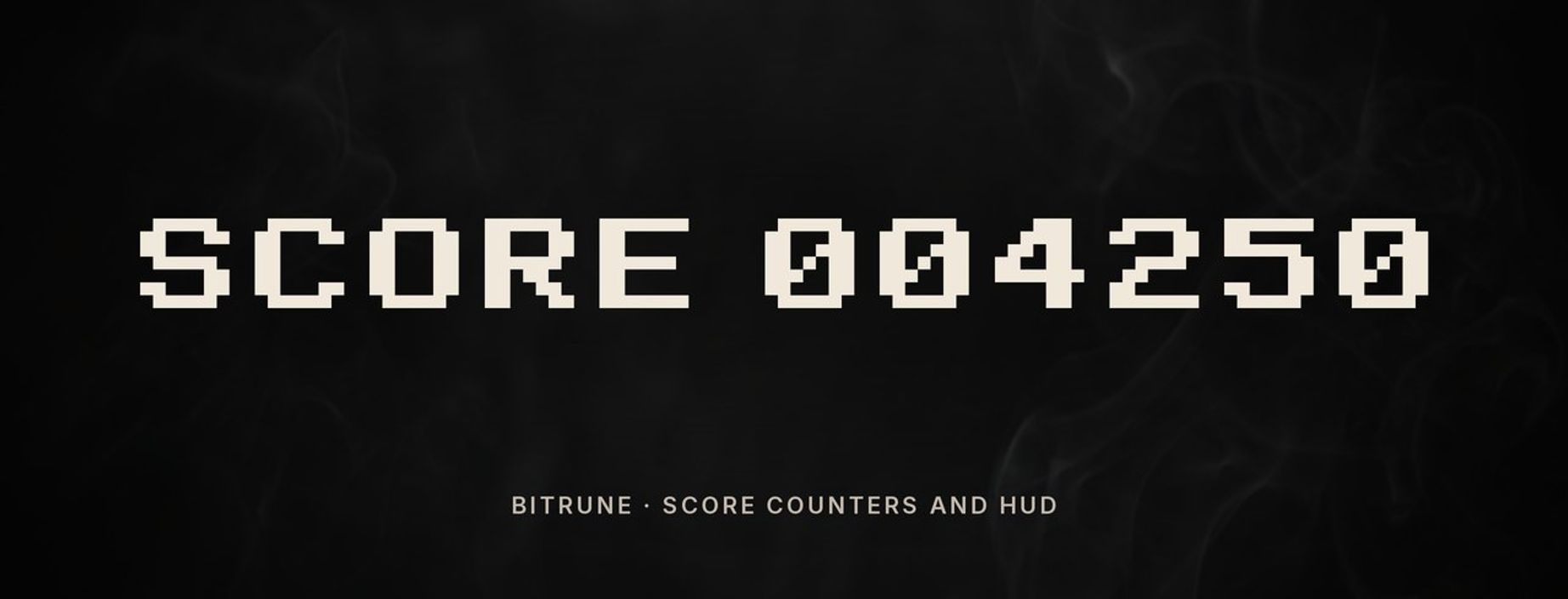
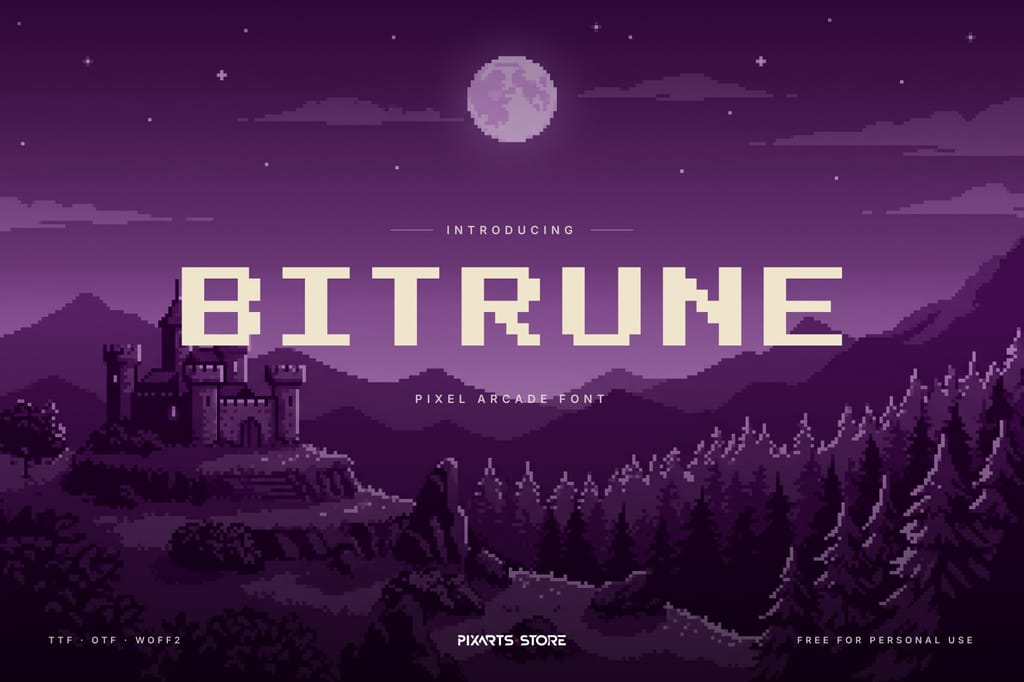
Bitrune is the opposite: 7-pixel capitals with double-width strokes, made to be seen from across the room. Use it for titles, score counters, timers and the GAME OVER screen. It is uppercase only (lowercase keys type the same capitals), so it is not meant for paragraphs.
5 Free Pixel Fonts for Commercial Use (Google Fonts)
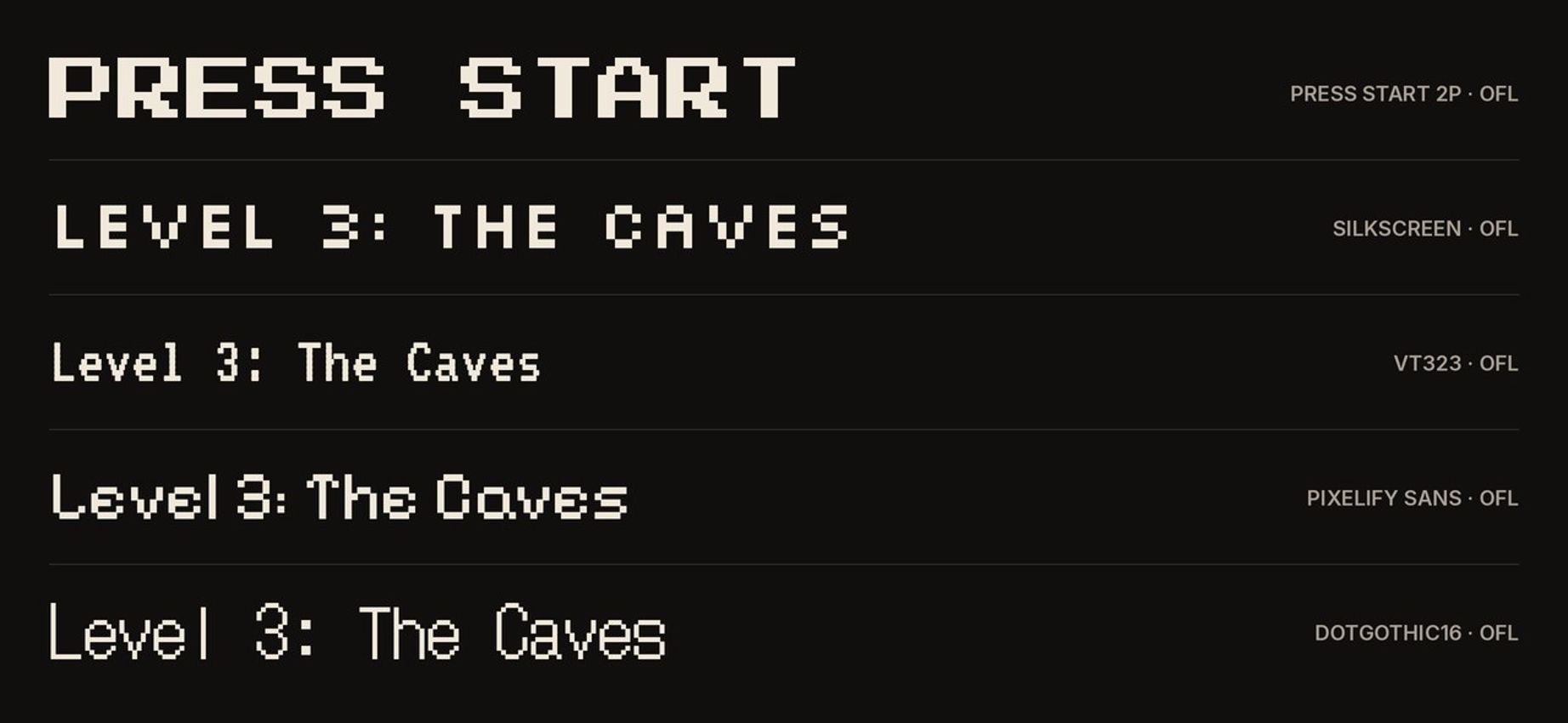
These five are released under the SIL Open Font License, which allows commercial use, including embedding them in a game you sell.
- Press Start 2P: the classic 8-bit arcade look, inspired by 1980s arcade game fonts. Wide and very bold, best for titles and short labels.
- Silkscreen: a tiny pixel font made for small text. It is uppercase only: lowercase keys type the same capitals.
- VT323: based on the font of an old DEC terminal. Narrow, good for consoles, hacking minigames and sci-fi UI.
- Pixelify Sans: a newer pixel font with several weights and a friendly lowercase; one of the easiest to read in longer text.
- DotGothic16: a dot-matrix style font that also covers Japanese, useful if your game is localized.
How to Keep Pixel Fonts Sharp
Pixel fonts break in the engine more often than in the font file. These settings fix most "blurry pixel font" problems:
- Use whole multiples of the native size. If the capitals are 7 pixels tall, draw them at 1×, 2×, 3× that size, never 1.5×.
- Turn off anti-aliasing and filtering. In Unity set the font texture filter to Point (no filter); in Godot disable antialiasing on the font import and use Nearest texture filtering; in GameMaker turn off anti-aliasing for the font asset.
- Snap text to whole pixels. Text placed at x = 10.5 will smear across two pixel columns.
- Pick by job, not by look. Arcade fonts like Bitrune and Press Start 2P are for titles; for dialogue, choose a font with a real lowercase like Questbit or Pixelify Sans.
Need matching graphics? Our RPG icons guide covers icon sizes and RPG Maker IconSet layout.
FAQ
Where can I download a free pixel font?
Questbit and Bitrune above are free for personal use from our fonts library. For commercial projects, Press Start 2P, Silkscreen, VT323, Pixelify Sans and DotGothic16 are free on Google Fonts under the Open Font License.
What is the best pixel font for an RPG?
One with a full lowercase and good spacing, because RPGs have a lot of text. Questbit was made for dialogue boxes and quest logs; Pixelify Sans is a good commercial option.
Why does my pixel font look blurry?
Usually because it is drawn at a non-integer scale or with texture filtering on. Use whole multiples of the native size and turn off anti-aliasing.
Can I use Press Start 2P in a commercial game?
Yes. It is released under the SIL Open Font License, which allows commercial use and embedding in games.
More Game Fonts

Dedicated to empowering game developers with premium digital assets. We specialize in crafting immersive UI designs, distinct logos, and web solutions that take your game project to the next level.